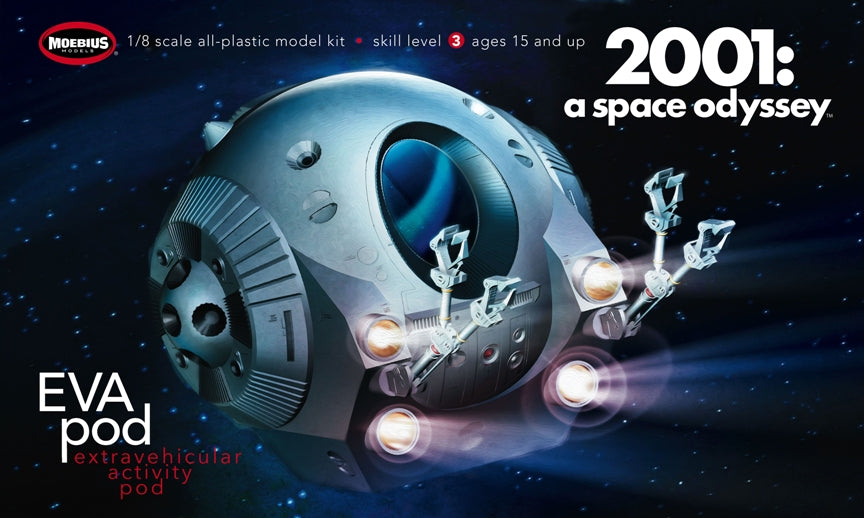
Moebius Models 2001-4:
1/8 Scale Astronaut (Discovery XD-1 EVA Suit)
The Moebius 2001-4 kit brings a highly detailed, museum-quality figure display straight to your workbench. It captures the iconic, bright silver-primary or colored EVA spacesuits worn by astronauts Dave Bowman and Frank Poole as they worked outside the Discovery XD-1.
Molded with modern high-precision toolings, this 1/8 scale figure eliminates the soft details and bad seams common to vintage character kits.
Kit Features & Spacesuit Details
Multi-Color Suit Options: Includes a comprehensive waterslide decal sheet and paint guide allowing you to build the astronaut in Dave Bowman's signature bright red suit or Frank Poole's vibrant yellow livery.
Intricate Life Support Backpack: Features a multi-piece replica of the complex environmental PLSS backpack, complete with crisp detailing on the side regulator dials, status lights, and dual structural hose lines.
Highly Detailed Astronaut Helmet: Showcases a perfectly clear, bubble-shaped front helmet visor that reveals a fully sculpted human head inside, complete with accurate facial features and communication headset lines.
Chest Control Console: Replicates the square chest-mounted control pack exactly as seen on screen, highlighting distinct individual buttons, toggle dials, and the main system selection switches.
Lunar/Space Display Base: Comes packed with a styled, circular display pedestal to securely mount your 1/8 scale figure for a professional shelf display.
Product Specifications
Brand: Moebius Models
Product Code: 2001-4 (MOE2001-4 / MO2001-4)
Subject: Discovery XD-1 Astronaut Figure (2001: A Space Odyssey)
Scale: 1/8 (Stands roughly 9 inches / 23 cm tall when assembled)
Material: Styrene Plastic (Molded in white, gray, and clear parts)
Assembly Style: Glue and paint required (Skill Level: 3)
The Ultimate Pop-Culture Detailing Canvas
What makes the Moebius 1/8 Astronaut a spectacular project is the chance to practice advanced paint textures. The crisp white plastic pieces are an amazing canvas for laying down metallic silver tones on the fabric wrinkles, followed by a dark fluid pin-wash to make the mechanical panel lines on the helmet and backpack instantly pop.